top of page
La Salle's Filipino-Chinese student organization since 1964


Set up ELC Google Calendar
Add ELC to your Google Calendar in 5 easy steps:

Step 1

Step 2

Step 5
Step 1
1/5
Now you can sync ELC Google Calendar to your devices!
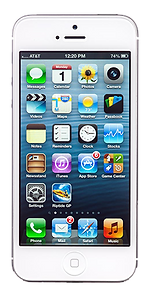


iOS
Android
Windows Phone
1. Log-in to Gmail
2. Navigate to Calendar
3. Add a coworker's calendar: "englicomdlsu50@gmail.com"
4. Click on "Month" for a better view.
5. Click on an event for a detailed view.
bottom of page